Not sure which mixer your station needs? The best mixer for internet radio is usually a simple USB mixer with enough XLR inputs for your voices, plus phantom power. Start small, and buy more channels only when your show demands them.
This guide sits inside our wider look at internet radio equipment, and it focuses on the one box that ties your microphones, music and guests together.
| Item | Value |
|---|---|
| Decent entry-level mixer | Around $100 |
| Higher-quality mixer | Closer to $300 |
| Ultra high-end mixer | Up to $500 |
| Phantom power most XLR mics need | 48V |
| Channels usually adequate for live streaming | Three channels |
| Zoom PodTrak P4 (handheld recorder that replaces a mixer) | $150 |
These figures come from Restream’s mixer buying guide and The Podcast Host’s mixer roundup. Prices and specifications change, so check the source before you rely on them.
Do you need a mixer for internet radio?
Not always. A mixer is optional: The Podcast Host says you do not need one to podcast, although a mixer can cut your editing time. The same guide warns that it can also add an extra layer of complexity to your setup.
Restream draws the line at inputs: if you don’t have multiple audio inputs, you probably don’t need a mixer, and an interface will do (Restream). If that sounds like your show, read our guide to the best audio interface for streaming radio before you spend on a mixer.
A mixer earns its place once your show grows past a lone presenter. Restream’s guide says that once you need more than three or four audio sources, a mixer helps you control your sound. Typical cases look like this:
- Co-hosts or guests, each on their own microphone
- Background music that needs its own volume control
- A phone or laptop feeding audio in alongside your mic
What a mixer does for a live station
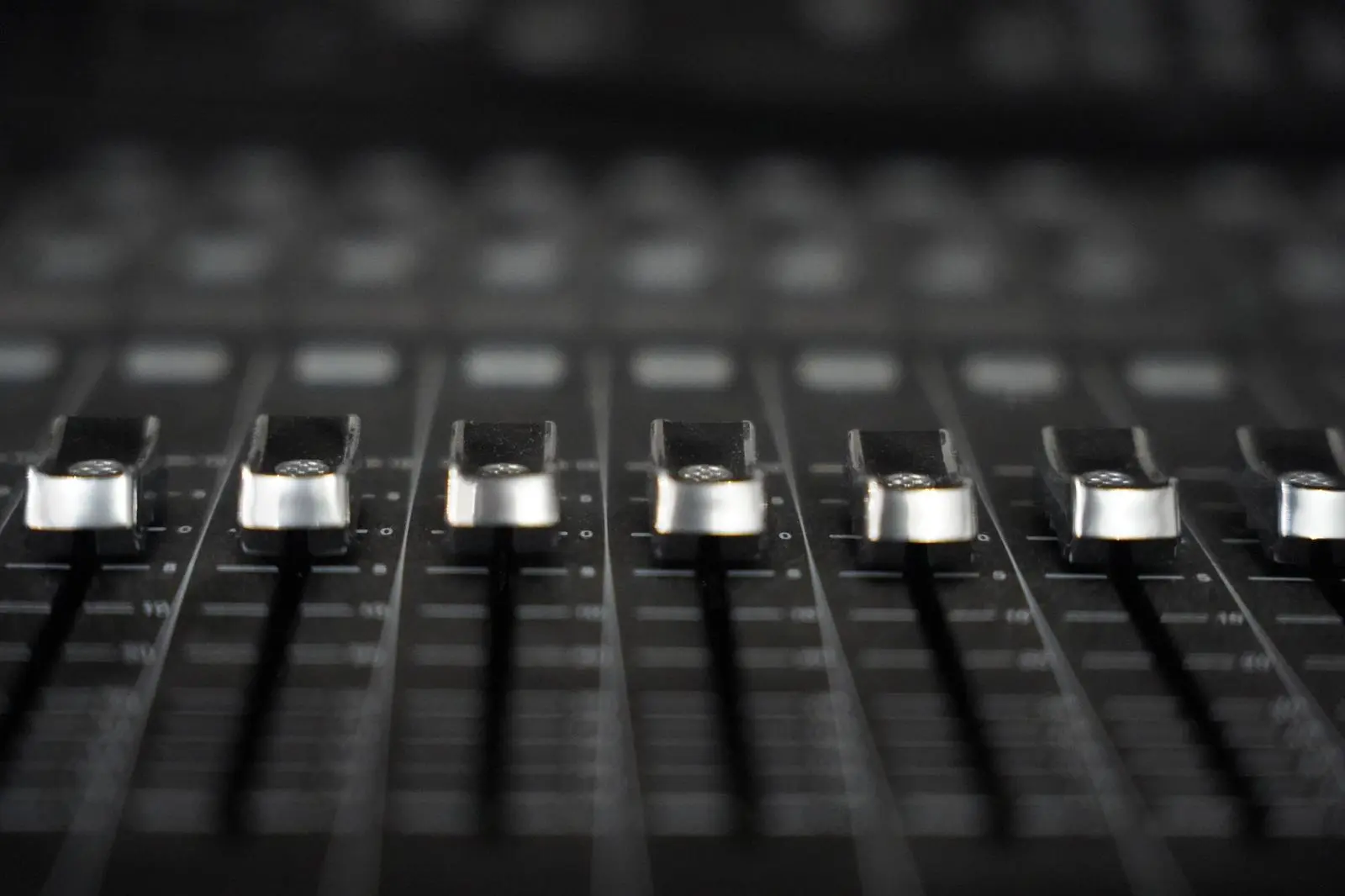
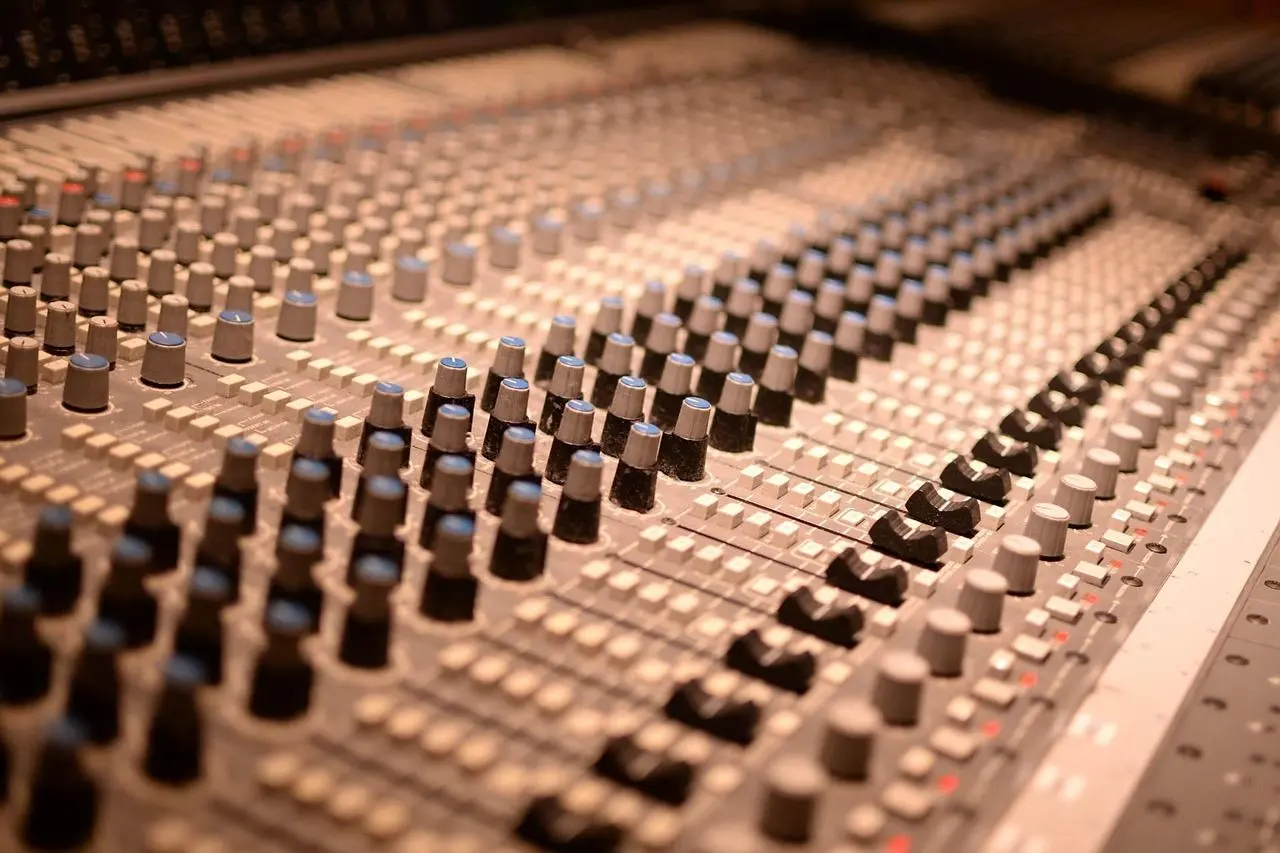
A mixer combines multiple signals and routes them to a common output for recording or broadcast, as Adorama’s guide explains. Those signals can be microphones, line-level instruments, computers, phones or tablets.
It also supplies the preamps that lift a quiet microphone signal to a level loud enough to record or broadcast live. Most of today’s mixers double as an audio interface that connects to your computer over USB, according to Adorama. Some can even record on their own, with no computer required.
Features to check before you buy
Start with the number of microphone inputs. Adorama lists preamp count among the first things to check and suggests choosing enough inputs for both current and future needs.
Then look at power and channel count. Restream notes that most XLR mics require 48V of phantom power, so your mixer should supply at least that much. It also says three channels are usually adequate for live streaming, though your own setup decides.
After those basics, work through this checklist:
- Tone controls: Restream suggests looking for control over channels, compression and equalization, without piling on an excessive number of EQ knobs (source).
- Stored sounds: built-in storage lets you load your own sound effects and music beds, and such mixers normally add assignable pads to trigger them (source).
- Recording route: decide whether you need USB into a computer, standalone recording, or both.
- Desk space: Restream advises checking the dimensions so the mixer sits within easy reach during a live show.
Once the mixer is chosen, our guide to the best headphones for radio broadcasting covers the monitoring side.
Analog or digital mixers
Restream says analog mixers are more affordable and easier to use than digital ones because they have fewer buttons and dials (Restream). Digital models connect more devices and offer more ways to tune your audio.
The trade-off is cost and time. The same guide says digital mixers are much more expensive, and their many options need a bigger time investment. If you’re new to mixing, its advice is to try analog first and learn the ropes.
Mixers worth a look, by budget
Restream says you can get a decent mixer for around $100, while higher-quality models with more capabilities run closer to $300 and ultra high-end ones reach up to $500 (Restream). The models below come from podcast and streaming roundups, so treat them as starting points for a station.
Budget: Mackie Mix8
The Podcast Host lists the Mackie Mix8 at $98. MusicRadar picks it as its best budget option and calls it ruggedly built and easy to use.
Mid-range: Zoom PodTrak P4 and Yamaha MG10XU
The Zoom PodTrak P4 is technically a handheld recorder, yet The Podcast Host says it replaces a mixer. It takes four XLR mics, gives every channel individual volume control, accepts phone or PC input, and costs $150.
The Podcast Host’s roundup lists the Yamaha MG10XU at $265. Restream describes it as a ten-channel analog mixer with a USB interface and built-in special effects, which suits a station with several voices.
Pro level: Rodecaster Pro II
The Rodecaster Pro II follows the original Rodecaster, the first all-in-one studio mixer built just for podcasters. The Podcast Host adds that its sound pads play music and effects without an external device, but it is not cheap and not for everyone.
Solo presenters: GoXLR
The TC-Helicon GoXLR was created with streamers and gamers in mind (Restream). Its Mini version has a single XLR microphone preamp, per Adorama, so it fits a one-voice show better than a panel.
This site is independent and not affiliated with any brand or seller, and none of these picks is a paid ranking.
A simple way to choose
- Count the microphones you will use at once.
- Add a spare input so you can grow without replacing the mixer.
- Decide between USB-only and standalone recording.
- Set a budget tier, then compare two or three models inside it.
- If you are unsure, begin with analog and keep the setup simple.
Frequently asked questions
Can I run an internet radio station without a mixer?
Show answer
Yes. Restream’s view is that a mixer isn’t necessary to go live, but it can significantly improve the quality of your stream. A single-presenter show can start with a microphone and an interface, then add a mixer later.
Will a mixer work with my USB microphone?
Show answer
Only if the mixer has a USB audio interface. Restream tells USB mic users to check that before buying, because such a mic normally plugs straight into the computer.
Is a podcast mixer good enough for radio?
Show answer
Often, yes. Adorama says podcast mixers typically add features ordinary mixers lack, such as storing and triggering music and sound effects, and those are handy for jingles and stingers.
Is the Zoom PodTrak P4 a real mixer?
Show answer
Not strictly. The Podcast Host calls it a handheld recorder that can still stand in for a mixer, since it takes input from a phone or PC and can act as a USB device on your computer.