Sorting out internet radio equipment can feel like two shopping lists at once. If you listen, you need a receiver, speaker or app; if you broadcast, you need a microphone, audio input, encoder software and a streaming server.
| Item | Value |
|---|---|
| Common music stream bitrate | 128 or 160 kbps |
| MP3 music below this bitrate is not recommended | 128 kbps |
| Acceptable MP3 bitrates for voice-only streams | 96 kbps or 64 kbps |
| Default port on most streaming servers | Port 8000 |
| Server version needed for Opus streaming | Icecast 2.4 or later |
These figures come from the Mixxx live broadcasting manual and the LibreTime stream configuration guide. Software and server defaults change between versions, so check those pages before you rely on them.
Listening gear: receivers, speakers and car options
Listening needs far less kit than broadcasting. As a listener, your internet radio equipment can be anything that joins an online stream: a dedicated receiver, a smart speaker, a phone, a computer or a car system. Behind it all, streaming servers provide the bandwidth and broadcast the stream to listeners.
- If you want a stand-alone tabletop unit, read the guide to the best internet radio receivers.
- If you prefer voice control, the best smart speaker for internet radio guide explains what to look for.
- For the drive, read the walkthrough on how to listen to internet radio in car.
Format support is the quiet detail behind many compatibility problems. The LibreTime documentation says a 96 kbps or 64 kbps MP3 stream may be acceptable for voice when legacy hardware players cannot handle Ogg Vorbis or Opus. Because it supports several formats at once, a station can offer one stream for its website and another for direct connection from hardware players.
If you want the wider picture first, the internet radio hub covers the topic from the start. Once your hardware is ready, the internet radio stations hub is a good place to find something to play.
Broadcasting gear: the signal chain from voice to stream
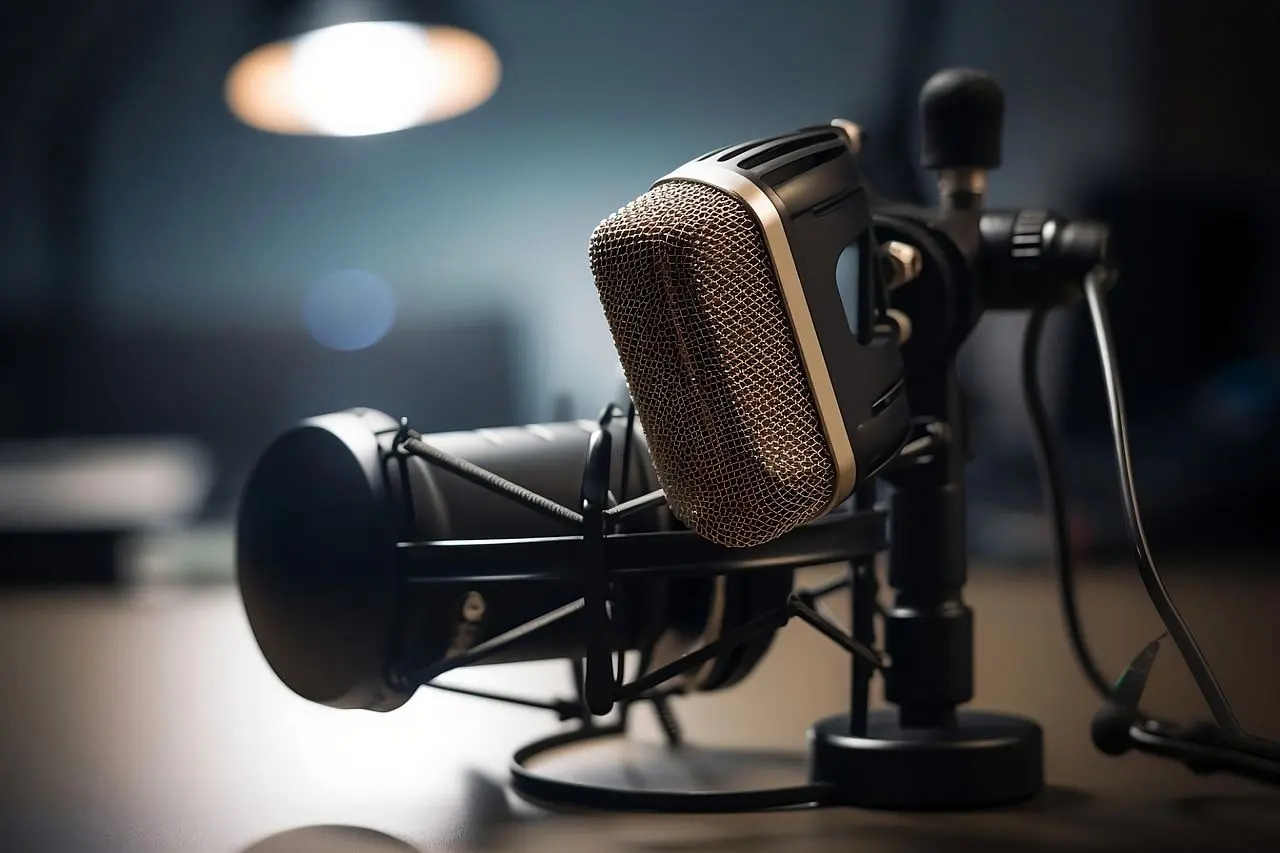
Broadcasting adds a chain of devices between your voice and the listener’s speaker. Each link has one job, and thinking in terms of the signal chain makes it easier to decide what to buy first.
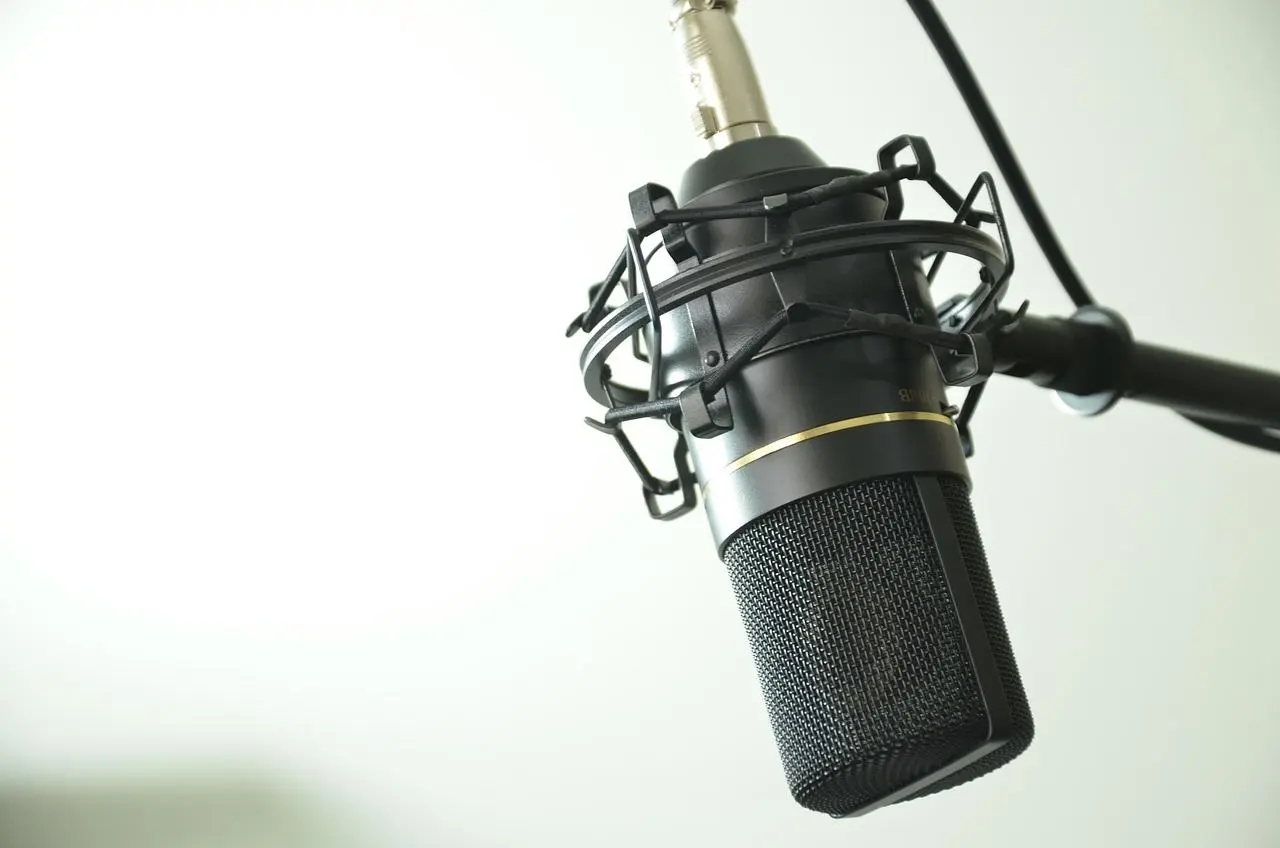
- A microphone captures your voice, and the best microphone for internet radio broadcasting guide is the place to compare options.
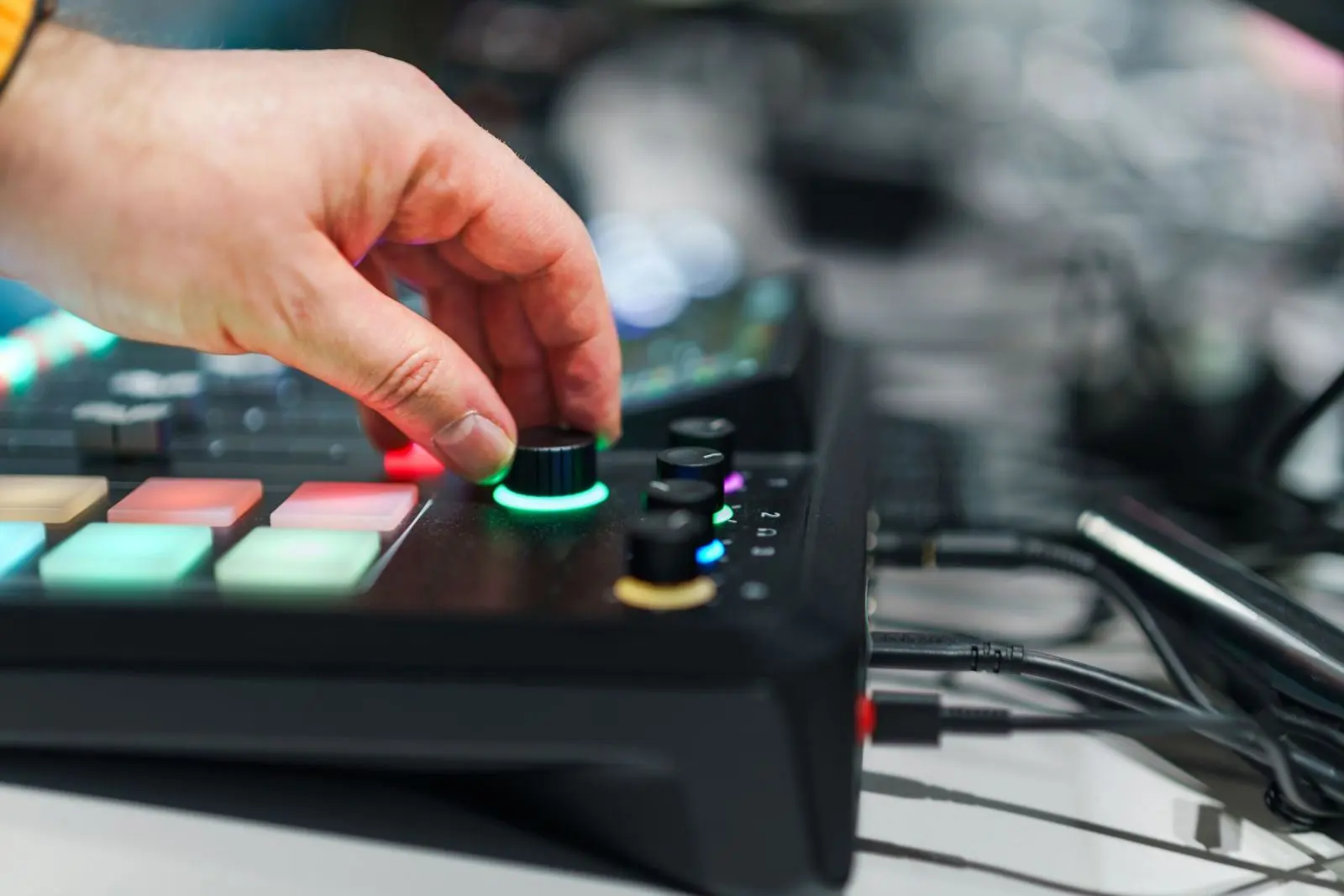
- An audio interface or mixer gets that signal into the computer. The IceS documentation from Icecast describes live streaming that takes audio from the soundcard, which can be captured from a mic, line-in or CD. To choose between the two, compare the best audio interface for streaming radio with the best mixer for internet radio.
- Headphones let you monitor what you send, and the best headphones for radio broadcasting guide covers what matters for speech.
- Encoder software on the computer turns the audio into a stream.
- A streaming server, hosted or your own, delivers that stream to listeners.
The Mixxx manual has a dedicated chapter on including microphone input in broadcast mixes, which is useful even if you end up choosing other software. To plan the room and the gear together, read how to build a home radio studio.
Encoder software for going live
An encoder takes your audio, compresses it with a codec and sends it to the streaming server. Rocket Broadcaster’s stream documentation describes its audio codec setting as the compression algorithm used to encode your stream. The AzuraCast streaming software guide lists several tools that work with its stations.
- Mixxx is free, open-source DJ software that also broadcasts to Icecast and Shoutcast servers.
- BUTT is cross-platform and available for free.
- BUTTM is a modernized successor to BUTT; per the AzuraCast guide, its Standard edition is limited to broadcasting at 128 kbps.
- SAM Cast is commercial software sold by Spacial.
- RadioBOSS is commercial software, and live broadcasting is available in its Standard and Advanced editions but not in Express.
- Aiir LiveStream supports MP3, AAC, AAC+, OGG and OPUS encoding, according to Aiir’s support page.
- Play It Software’s Internet Broadcast Plugin offers MP3 as the audio format in its encoder configuration window.
Compatibility details matter more than brand names. AzuraCast’s guide recommends selecting MP3 (LAME_ENC) in SAM Cast because it allows the easiest constant bit rate streaming, which causes the fewest issues. The Mixxx manual adds that MP3 streaming is not enabled by default in Mixxx because of licensing restrictions.
Your stream host usually supplies the connection details you type into any of these tools. Rocket Broadcaster’s documentation says the same, and adds that if you run your own server, those details come from the server’s config file.
Which streaming server and format should you choose?
Icecast is free server software for streaming multimedia, according to the Icecast project’s IceS documentation. LibreTime’s guide says Icecast supports simultaneous MP3, AAC, Ogg Vorbis or Ogg Opus streaming, whereas SHOUTcast only supports MP3 and AAC streams.
- MP3 is probably a safe choice unless you know your listeners can play an Ogg stream, according to the Mixxx manual.
- Ogg Vorbis is royalty-free and has better sound quality than MP3 at lower bitrates, which affects the bandwidth your station needs.
- Opus offers good quality at low bitrates plus lower latency than other streaming formats, and the LibreTime guide says it requires Icecast 2.4 or later on the server.
Next comes the hosting question. Streaming servers provide the required bandwidth and broadcast your stream, while a local server turns your personal computer into a radio station that listeners connect to directly. If you want to reach a significant number of listeners that way, you will need enough bandwidth.
Live handovers deserve a thought too. Icecast has a fallback-mount feature that can move listeners from one source to another as new sources become available. That matters because disconnecting a stream and beginning another is less than ideal when the audience’s media players are disconnected as well.
Bitrate, bandwidth and quality settings
Start with bitrate. The Mixxx manual calls 128 or 160 kbps common and sufficient for listeners. LibreTime’s guide advises against MP3 below 128 kbps for music because high audio frequencies are noticeably lost.
Higher bitrates use more of your connection and of each listener’s connection. Setting a higher output bitrate also only helps if your source material is high bitrate to begin with. Rocket Broadcaster’s documentation puts it plainly: higher means better quality audio, but more bandwidth is required.
Two smaller settings are worth knowing. If you capture stereo but choose mono in Rocket Broadcaster, the audio is downmixed to mono before encoding. Icecast streams are also buffered by default to guard against network problems, which adds latency for remote listeners, so monitor your stream with a short delay in mind.
Matching gear to your goal
You rarely need everything at once. Pick the line that fits what you want to do, then upgrade the weakest link after you have tested a few real streams.
- Just listening: a receiver, smart speaker or in-car setup, plus a stable home network.
- A voice show: a microphone, an interface or mixer, headphones and a free encoder such as BUTT.
- A music mix: a computer running free software such as Mixxx, which handles both the mixing and the broadcast.
This site is independent and not affiliated with any station, streaming service, software vendor or hardware brand. There are no paid rankings, and any affiliate links are disclosed and never affect recommendations.
Frequently asked questions
Do I need my own server to start a station?
Show answer
No. You can rent hosted streaming, or run a server on your own computer and let listeners connect straight to it, as the Mixxx manual describes.
Can I broadcast without paying for software?
Show answer
Yes. Mixxx and BUTT are both free, so your main costs are hosting and any hardware you add.
Is Ogg or MP3 better for listeners?
Show answer
Ogg is more efficient, giving higher-fidelity sound than MP3 at lower data rates, according to the Mixxx manual. The catch is that not all players can play Ogg streams, so MP3 remains the compatible fallback.
Why will my encoder not connect to the server?
Show answer
Check that the Host field holds a domain or IP address rather than a full URL, with a port such as 8000 entered separately, as the Mixxx manual explains. For Icecast, the mount point must not be blank. If a reverse proxy such as CloudFlare sits in front of your server, the AzuraCast guide warns that it often blocks direct broadcaster connections, and Rocket Broadcaster’s Test Stream button runs a short diagnostic on the details you entered.