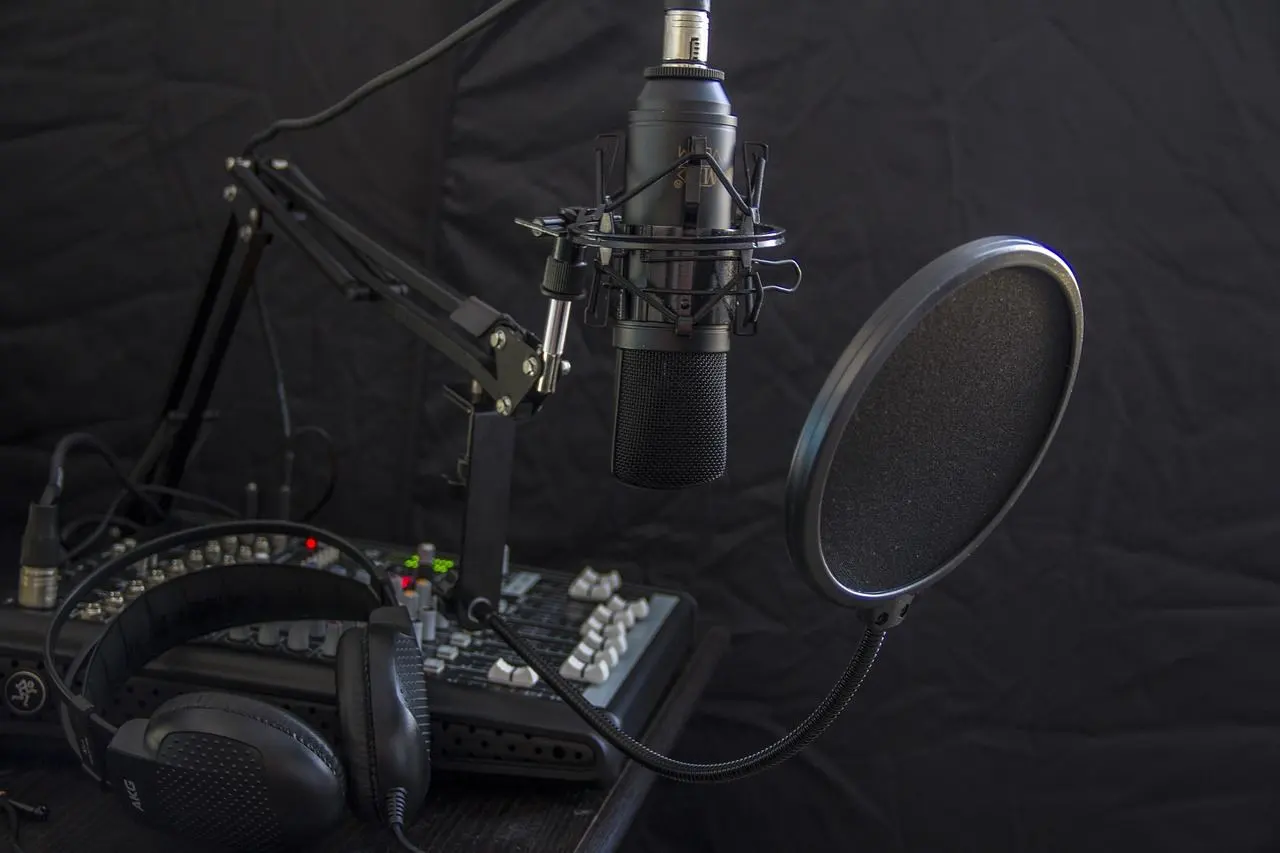
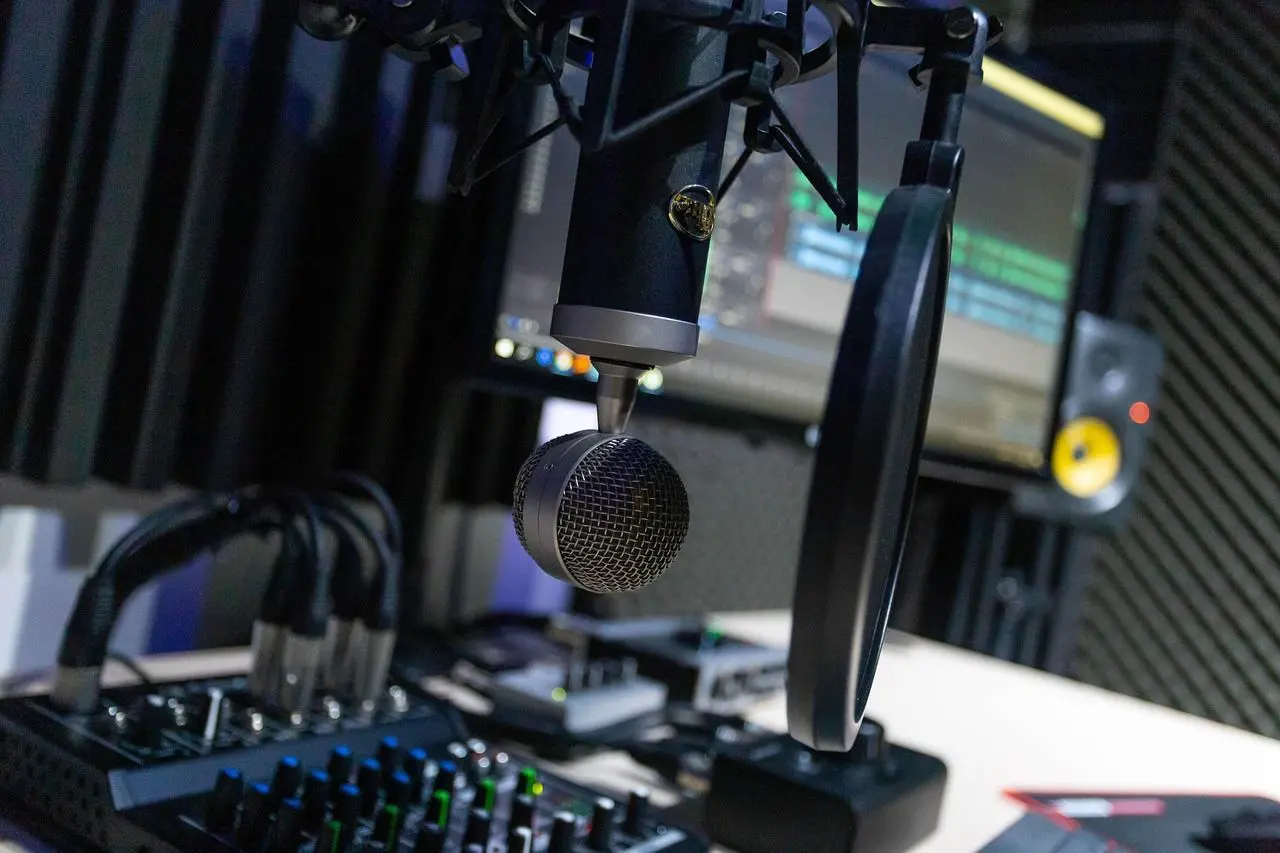
Picking internet radio broadcasting software is easier once you split the job in two: a tool that sends your audio, and a server that delivers it. For a free start, pair Mixxx or BUTT with an Icecast-compatible server.
This guide is one part of the wider topic of internet radio.
| Item | Value |
|---|---|
| Mixxx | Free and open-source; Linux, macOS, Windows |
| BUTT | Free; Linux, macOS, Windows |
| BUTTM Standard edition | Limited to 128kbps |
| SAM Cast default bitrate | 64kbps |
| PlayIt Live | Free; Windows |
| Icecast stable release listed | 2.5.0, 31 December 2025 |
The figures come from the AzuraCast streaming software guide and the Wikipedia entry on Icecast. Editions, limits and versions can change, so check the source before you rely on them.
What does broadcasting software actually do?
A radio stream is built from three separate parts, and most beginner confusion comes from mixing them up.
- Source client (encoder): captures your microphone or mixer and sends the audio to a server.
- Playout or automation: plays music, jingles and schedules when no one is live.
- Streaming server: accepts the feed and relays it to every listener.
Icecast is free server software for streaming multimedia, and it relies on source clients to feed it. The project’s list of third-party applications names Mixxx and butt among the source clients known to work with Icecast.
Some programs cover more than one part. A DJ tool may also encode, and a playout system may include its own encoder, so check which jobs each one handles before you install it.
Free and open-source live tools
If you only need to go live, free tools are enough. AzuraCast’s guide describes Mixxx as free and open-source DJ software that also supports live broadcasting via Icecast and Shoutcast servers, running on Linux, macOS and Windows.
When connecting Mixxx to AzuraCast, the same guide recommends “Icecast 2” mode. Mixxx leaves out the LAME MP3 encoder for licensing reasons, so you set the broadcast format to Ogg Vorbis and Liquidsoap transcodes it to the right output format.
BUTT (Broadcast Using This Tool) is a simpler option. It is cross-platform and available for free, and it suits a presenter who already mixes elsewhere and only needs something to send the signal.
For automation, PlayIt Live is listed by AzuraCast as a free Windows playout system with live-assist and automated features, though it is proprietary rather than open-source. On a Mac, the Icecast apps page also lists Audio Hijack as a source client.
Paid and commercial options
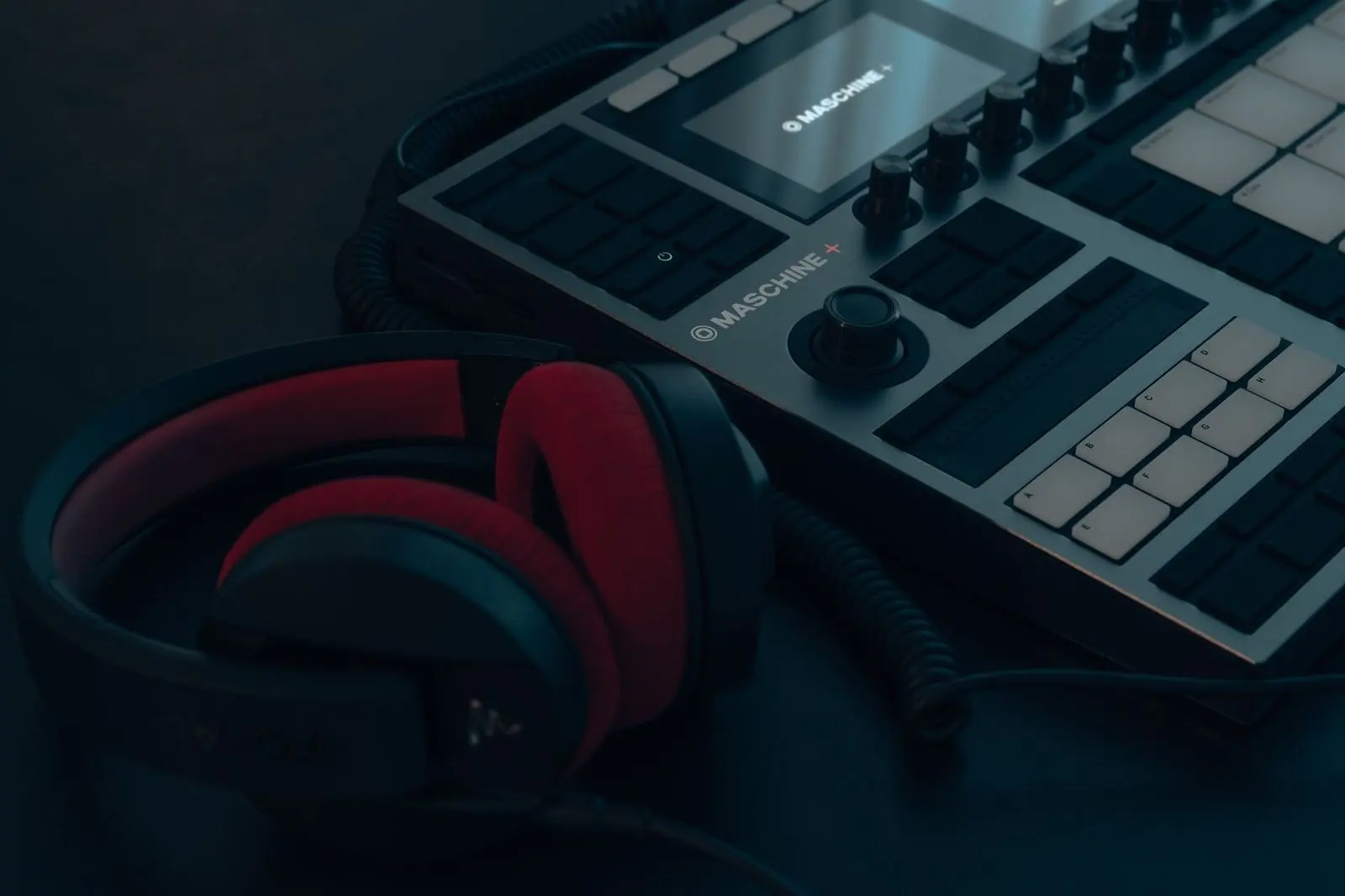
Paid tools usually buy you a nicer interface or built-in scheduling. These three appear in the AzuraCast documentation:
- BUTTM: the AzuraCast guide calls it the spiritual successor to BUTT, with a modernized interface, sold for a one-time fee on macOS and Windows.
- SAM Cast: commercial software sold by Spacial, for Windows only.
- RadioBOSS: a commercial Windows playout program whose live broadcasting feature is available in the Standard and Advanced editions, not the Express edition.
Read the edition details before you pay. The same guide says the BUTTM Standard edition is limited to broadcasting at a bitrate of 128kbps.
SAM Cast has a setup trap worth knowing. Its encoder window starts from a default of 64kbps, so you must raise it to match the highest bitrate you offer listeners; the guide suggests MP3 (LAME_ENC) because constant bit rate streaming causes the fewest issues.
Which server sits behind the software?
The server is the part your listeners connect to. The Wikipedia entry lists Icecast’s stable release as 2.5.0 on 31 December 2025, and the project is maintained by the Xiph.Org Foundation.
If you prefer one program to many, Liquidsoap can be the Icecast server itself. Its documented basic example listens on port 8000 for source clients and listeners.
Change the password before you go live. Liquidsoap warns at startup when the source password is still the default hackme, and an open default is an easy way to lose your stream to a stranger.
Finally, watch for proxies. AzuraCast warns that reverse proxy services such as CloudFlare often prevent direct connections to the ports broadcasters use, so your DJs may need the server’s direct IP address.
How to choose between them
| Tool | Platforms | Licence |
|---|---|---|
| Mixxx | Linux, macOS, Windows | Free, open-source |
| BUTT | Linux, macOS, Windows | Free, open-source |
| BUTTM | macOS, Windows | Proprietary, one-time fee |
| SAM Cast | Windows | Proprietary, commercial |
| RadioBOSS | Windows | Proprietary, commercial |
| PlayIt Live | Windows | Proprietary, free |
Platform and licence details come from the AzuraCast streaming software guide, and they can change between releases, so check it before you commit.
Work through these questions in order:
- Do you present live, run automation, or both? Live-only shows need an encoder; unattended hours need playout.
- Which operating system do you use? Windows has the widest choice, while Linux users lean on Mixxx and BUTT.
- Do you want to pay once for a polished tool, or start free and upgrade later?
Money matters here, so read about the cost to start an internet radio station before buying a licence. For the full path from idea to first broadcast, see how to start an internet radio station in how to start an internet radio station.
Frequently asked questions
Is free software good enough to begin with?
Show answer
For going live, yes: Mixxx and BUTT cost nothing, and PlayIt Live is a free Windows playout option, according to the AzuraCast documentation. Paid tools tend to add polish, such as BUTTM’s redesigned interface.
Which tools work on a Mac?
Show answer
Mixxx, BUTT and BUTTM all run on macOS, per the AzuraCast guide. Audio Hijack also appears on Icecast’s source client list for macOS.
Do I have to choose between Icecast and Shoutcast mode?
Show answer
Not when you connect to AzuraCast. Because it uses Liquidsoap for all DJ connections, the connection mode is largely irrelevant, though the guide recommends Icecast mode as the more modern choice.
What happens if my live source drops?
Show answer
On a Liquidsoap-based server, a mount that loses its source switches to its fallback at the next packet and returns to the live source as soon as it comes back. Listeners stay connected throughout.