You want to go on air from your spare room without overspending. Here is how to build a home radio studio: a quiet room, a microphone, headphones, a mixer or interface, and software, all on a modest budget.
This guide is part of our wider look at internet radio equipment, where you can compare more gear.
| Item | Value |
|---|---|
| Microphone (Behringer XM8500 Ultravoice) | $23 |
| Mixing desk (Behringer Xenyx Q802 USB) | $79 |
| Monitoring headphones (Beyerdynamic DT-770 Pro 80) | $135 |
| Mic stand (Millenium MS-2003) | $18 |
| Upload speed for live streaming | At least 5 Mbps |
Prices come from RadioKing’s April 2024 home studio post and the upload speed from Zeno.fm’s gear guide. Figures can change, so check the source before you rely on them.
Start with the room, not the gear
Your room shapes your sound more than any single purchase. RadioKing’s equipment guide says a $400 microphone in a noisy room with bare walls will usually sound worse than a more affordable microphone in a quiet, well-prepared space.
Before you buy anything, stand where you will broadcast and listen. Ask yourself:
- Do you hear an echo when you speak?
- Can you hear traffic through the window?
- Is your computer fan particularly loud?
Cheap fixes go a long way. Adding curtains, rugs, bookshelves or acoustic panels reduces reflections, and many online broadcasters improve their audio this way according to the same RadioKing guide.
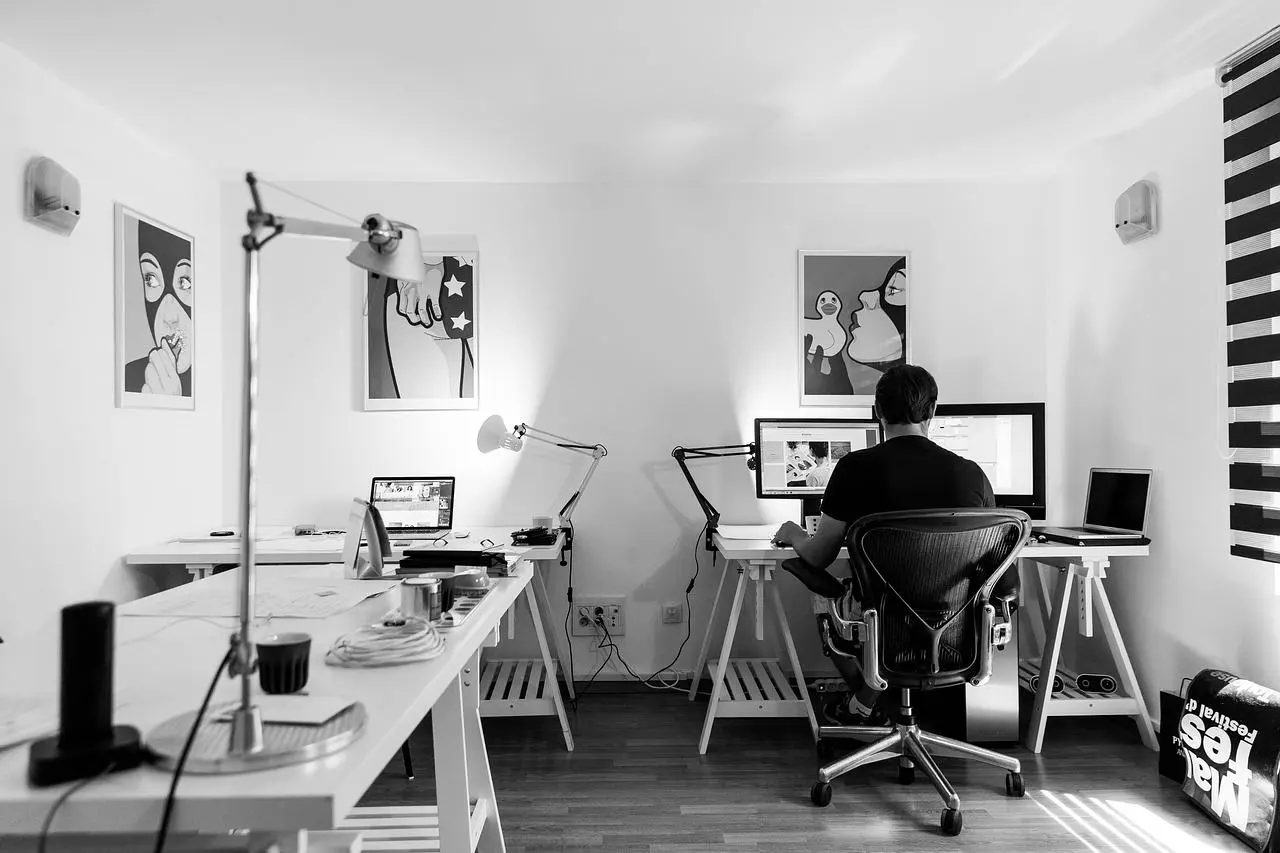
If you add monitor speakers, give them room. Mixcloud’s station-building guide notes that speakers pushed hard against a wall can distort the sound, while a little space behind them gives a fuller sound.
The core kit and what it costs
The budget kit below comes from RadioKing’s example studio, planned for two hosts and one external caller. Treat the brands as examples, not rankings.
- Microphone: the Behringer XM8500 Ultravoice at $23.
- Mixer: the Behringer Xenyx Q802 USB at $79, whose USB link avoids a low-quality computer sound card.
- Headphones: the Beyerdynamic DT-770 Pro 80 at $135.
- Mic stand: the Millenium MS-2003 at $18, with a boom arm.
- Mic cable: the sssnake SM6BK at $6.
A simpler start exists. RadioKing’s entry-level list is just a computer, a USB microphone, headphones and broadcasting software, and it calls USB microphones incredibly attractive for a first station.
Headphones deserve a little more thought because you will wear them for hours. Closed-back models are generally preferred for radio because they limit sound leakage and isolate you from outside noise, and comfort matters as much as specifications. Our guide to the best headphones for radio broadcasting goes deeper.
Do you need a mixer or an audio interface?
Not always. A solo presenter using a USB microphone may never need a mixing desk, according to RadioKing.
Pick the route that matches your show:
- Solo host with a USB microphone: plug it straight into the computer.
- XLR microphone: add an audio interface, because XLR microphones require an interface to function.
- Guests, phone callers or several presenters: a mixer gives you control over every input.
The same RadioKing guide says mixers become useful when your setup starts to grow. Its advice is to avoid buying for a future you may never reach and upgrade when your workflow genuinely demands it.
How to connect everything
If you choose the mixer route, RadioKing’s assembly tutorial keeps the wiring simple. Work through it in this order:
- Connect each microphone to the mixer with an XLR male/female cable, one cable per microphone.
- Plug your headphones into the PHONES output on the mixer, using an adapter if the plug does not fit.
- Run the mixer’s USB cable to your computer so the broadcasting software receives the mixer’s output.
- Link any second device, such as a phone, tablet or another computer, to the mixer with a 6.35-mm double jack cable, matching the cable’s colours.
Put the microphone on a stand. The tutorial’s top tip is that a stand frees your hands during a live session.
Software, internet and music licensing
Your computer is the control room, but it does not need to be fancy. RadioKing advises focusing on stability and reliability instead of chasing the most powerful processor.
Your connection matters just as much. Zeno.fm suggests aiming for upload speeds of at least 5 Mbps and running a speed test before you go live.
For software, Mixcloud lists Audacity and GarageBand as free editing tools. The same page and Zeno.fm both name BUTT among the encoders that stream your audio to a station, and Zeno.fm describes it as a simple, free one.
Music needs licensing unless you run a pure talk or sports show. Live365 explains that licensing providers work with organizations such as ASCAP, BMI and SESAC, and Zeno.fm adds that registering with your local music rights organization is the creator’s responsibility.
Once you are live, check how the stream sounds on a second device. Our guide to the best smart speaker for internet radio can help you pick one for that.
Frequently asked questions
How much does a home radio studio cost?
Show answer
A basic station can usually be put together for a few hundred dollars, according to RadioKing’s equipment guide. Free editing and encoding software keeps the total toward the low end.
Can I start with just a USB microphone?
Show answer
Yes. Mixcloud’s guide says the minimum is a microphone, headphones and editing software, and that a laptop’s built-in mic works to start before you move to a USB or professional one.
Should I choose a dynamic or condenser microphone?
Show answer
In an untreated room, a dynamic model may do better. Zeno.fm says dynamic microphones reject background noise, while condensers pick up more detail and warmth. RadioKing agrees that a dynamic microphone can beat a pricier condenser when the room is not acoustically treated.
Are Bluetooth headphones fine for live shows?
Show answer
Avoid them. Zeno.fm recommends against open-back or Bluetooth models for live broadcasting because of audio leakage and latency.