
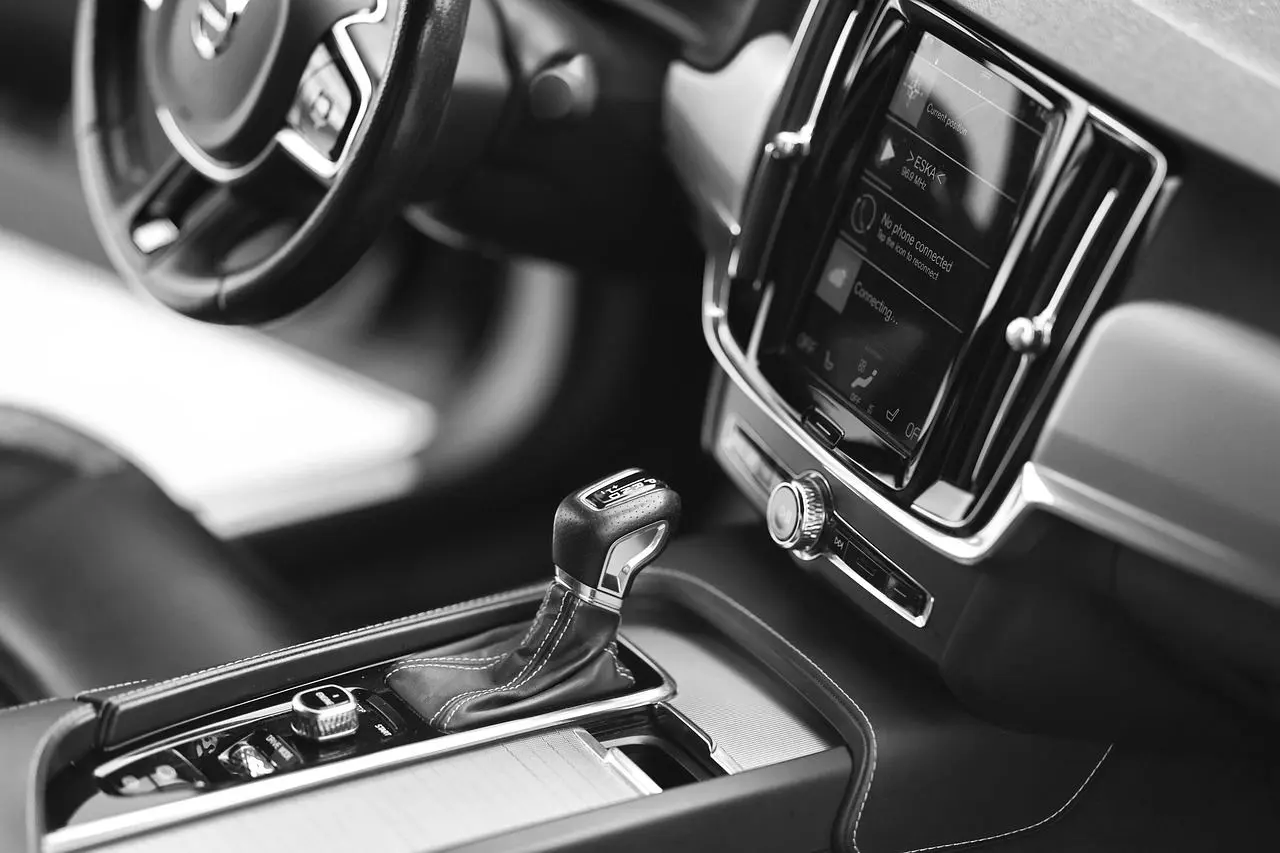
Wondering how to listen to internet radio in car without buying a new stereo? Use your phone: open a radio app such as TuneIn, connect it through CarPlay or Android Auto, and stream over mobile data.
This guide sits inside the wider topic of internet radio equipment, and it focuses on the phone-based route.
| Item | Value |
|---|---|
| TuneIn station catalog | over 100,000 stations |
| TuneIn paid subscription | $9.99/month |
| Spotify Premium | $12.99/month |
| Radio.net catalog | over 60,000 stations |
| Dash Radio | 75 ad-free stations |
The figures come from Engadget’s CarPlay app roundup and Zeno.FM’s radio app guide. Station counts and prices can change, so check the source before you rely on them.
What you need to stream radio in the car
Internet radio in a car runs through your phone, not through an antenna. Zeno.FM’s guide notes that streaming radio apps use mobile data to deliver content, unlike traditional radio.
The basic kit is short:
- A smartphone with a radio app installed.
- A mobile data connection that stays stable while you drive.
- A car screen that supports CarPlay or Android Auto, so the app appears on the dashboard.
If your dashboard has no phone projection, a dedicated device is another route, and the guide to the best internet radio receivers covers that option. Once you park, the same stations can move to a speaker at home, which is where the best smart speaker for internet radio comes in.
How to set up internet radio on Apple CarPlay
CarPlay puts your favorite apps right on the car’s dashboard, according to Engadget’s November 2026 roundup. In that roundup, TuneIn offers over 100,000 stations from all over the world, free with ads.
- Install TuneIn, or another radio app, on your iPhone.
- Bookmark a few stations on the phone. Anything you bookmark there shows up in the CarPlay app.
- Connect the phone to the car and look for the app on the dashboard.
- If it is missing, open Settings on the iPhone, go to General, tap CarPlay, pick your car and choose Customize.
- Tap the green Plus button next to the app in the bottom list, then arrange it where you like.
- Ask Siri to play a named station on TuneIn so your hands stay on the wheel.
TuneIn also sorts stations by categories such as news and sports. Per the same Engadget roundup, a paid plan at $9.99/month unlocks live sports and audiobooks and cuts down the number of ads.
How to set up internet radio on Android Auto
Android Auto works much the same way. In Android Central’s October 2018 report, TuneIn installs on the phone like any other Android Auto app, and its free version had been installed more than 100 million times from Google Play.
- Install the radio app on your Android phone in the usual way.
- Connect the phone to the car’s Android Auto screen.
- Press and hold the music icon, then select the app.
- Pick a station, or speak its name to the assistant.
The menus match every other Android Auto media app, so they feel familiar. The same report warns that digging too deep can trigger a safety block message after too many taps, which is a good reason to save favorites before you set off.
Which radio apps are worth trying?
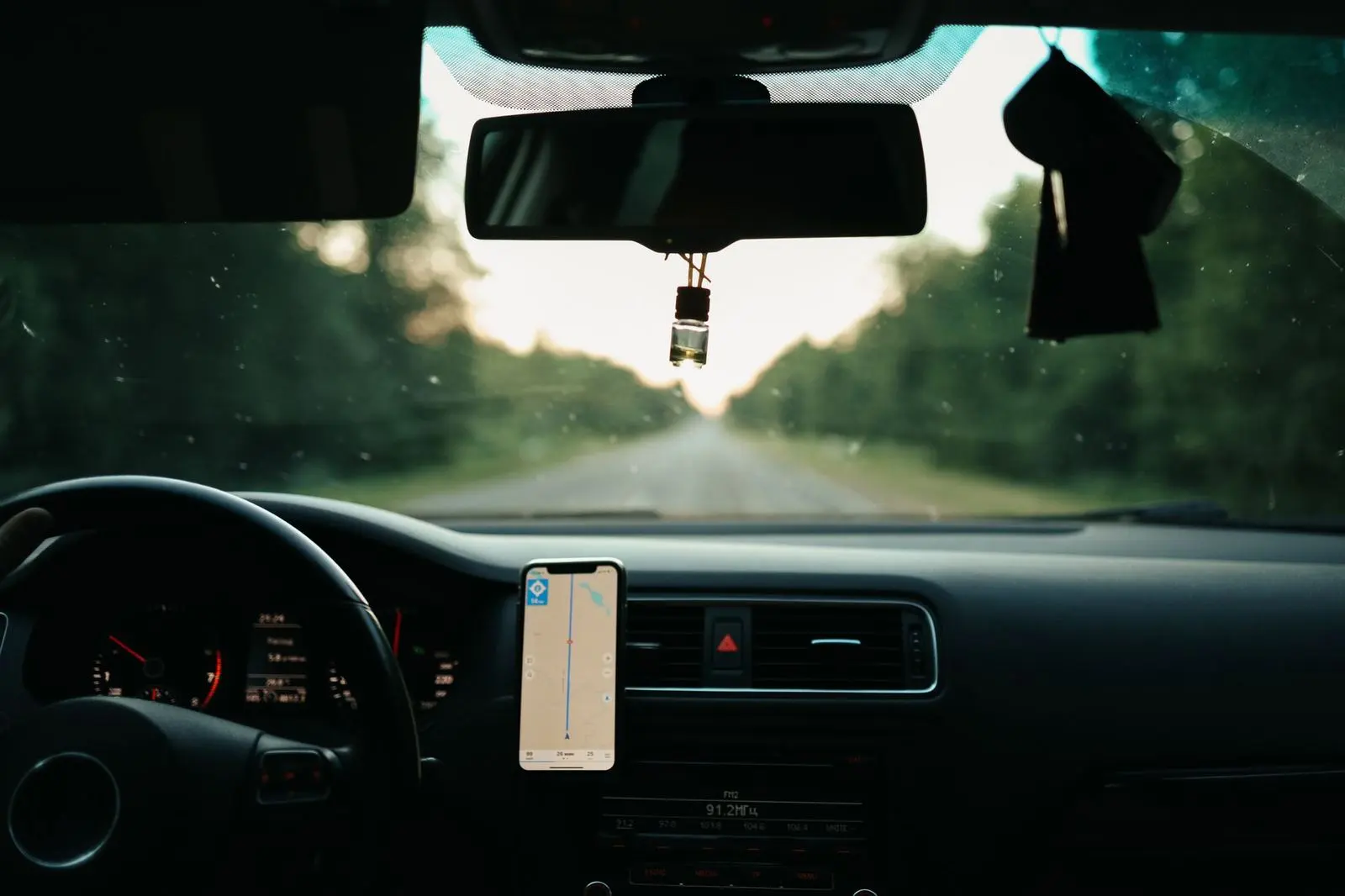
Most radio apps that support CarPlay or Android Auto behave alike, so the choice comes down to catalog and cost. Zeno.FM’s comparison, written for broadcasters, lists several well-known options, and the catalog size varies a lot between them.
- TuneIn: live sports, news, music and podcasts, with free and premium options.
- Radio.net: over 60,000 stations worldwide, according to Zeno.FM.
- Dash Radio: 75 ad-free stations curated by real DJs, per the same guide.
- BBC Sounds: all BBC radio stations, live and on demand, with the ability to rewind live shows.
- iHeartRadio: streaming versions of terrestrial radio plus basic podcast support.
- Spotify: a mostly music and podcast service whose Premium plan costs $12.99/month, per Engadget.
For iHeartRadio, Android Central’s April 2021 look suggested getting to know the app outside Android Auto first. That advice applies to any new app: explore it at home, not at the wheel.
Tips for smoother listening
- Set up favorites before you drive, so you do not browse menus on the road.
- Use voice commands when you know the station name. They work well when you know exactly what you want to hear.
- Remember that every stream draws on your phone’s data allowance.
- Use a station you already love from home, or try one from another part of the world while traveling.
Frequently asked questions
Do I need a data connection to hear internet radio in the car?
Show answer
Yes. These apps depend on the internet and a stable data connection to stream, so a weak signal on a rural road can interrupt playback.
Is internet radio in the car free?
Show answer
Basic listening can cost nothing. TuneIn’s free tier carries ads, and its paid plan is $9.99/month, as listed in Engadget’s roundup.
Can I ask for a station by voice?
Show answer
On an iPhone you can ask Siri for a specific TuneIn station. On Android Auto, voice commands also work, provided you already know what you want to play.
Can I listen to podcasts in the same app?
Show answer
Often you can. TuneIn added podcasts to its lineup, and iHeartRadio has basic podcast support, though a dedicated podcast app may suit heavy listeners better.